Set up coding agents
Enable Claude, Codex, or Pi integration and install Supaterm's agent skill.
Supaterm can track Claude, Codex, and Pi when they run inside its panes. Each integration translates the agent’s native lifecycle into the same sidebar and agent-panel states.
Before you begin
Install the agent and make sure its executable is available from your login shell. Codex must be version 0.144.1 or newer.
Enable an integration
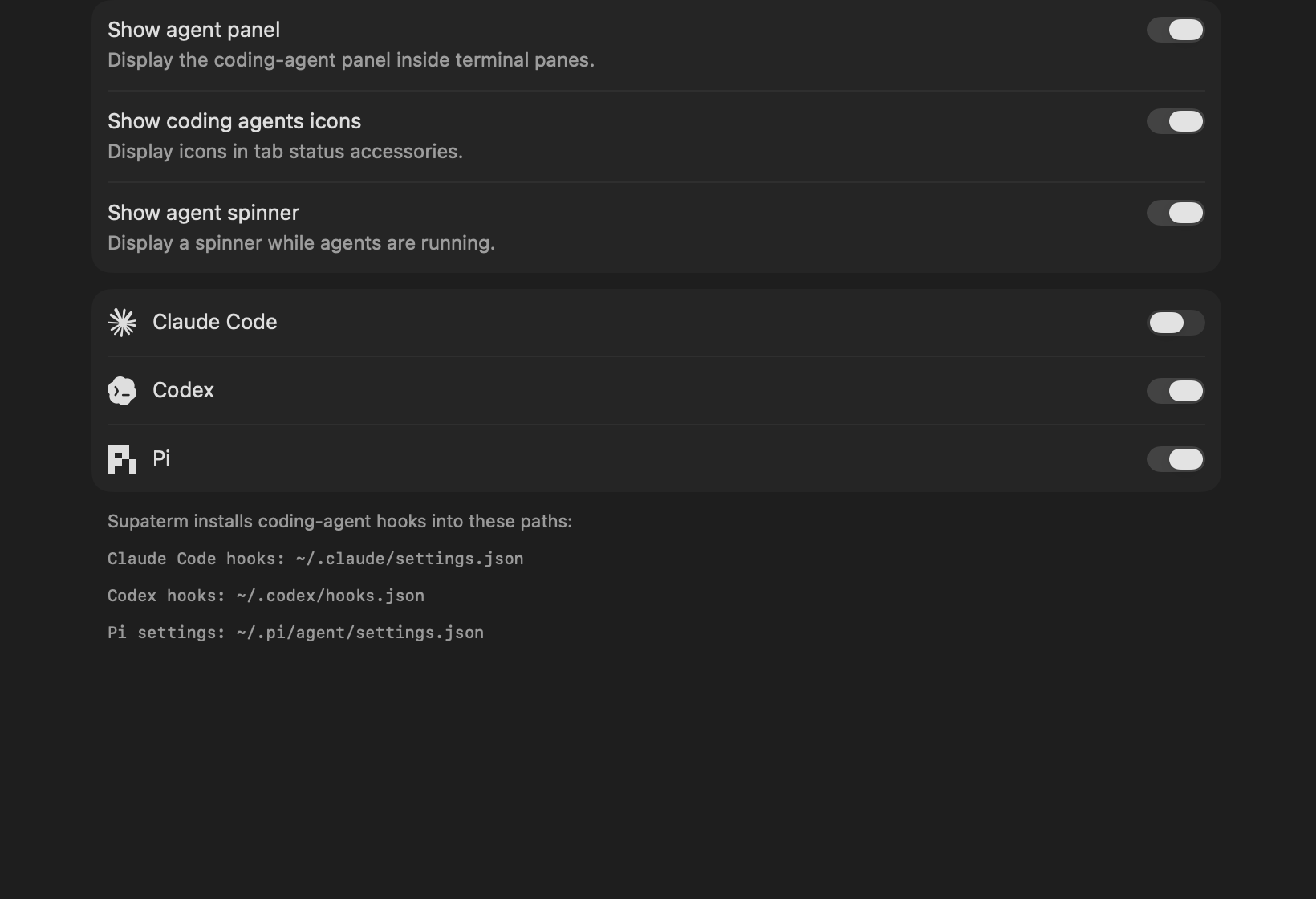
Open Supaterm > Settings > Coding Agents and turn on the agent. Supaterm reports whether the integration is unavailable, incomplete, changed from its managed configuration, or healthy.
- Claude installs managed hooks in
~/.claude/settings.json. - Codex enables supported hooks, writes
~/.codex/hooks.json, and registers the required trust through Codex’s public app-server API. - Pi installs the Supaterm package through Pi. It does not use the Claude and Codex settings-file bridge.
Supaterm preserves unrelated settings in those files. Turning an integration off removes only Supaterm-managed configuration.
Command-line setup
Install the discovery skill used by coding agents:
sp skills installInstall every supported settings-file hook bridge, or one bridge at a time:
sp agent install-hooks
sp agent install-hook claude
sp agent install-hook codex
Pi is normally managed from Settings. Its package can also be installed directly:
pi install git:github.com/supabitapp/supaterm-skillsVerify
Start the agent inside Supaterm and begin a task. The tab should show running activity, then idle or attention state as its lifecycle changes. If it does not, see troubleshooting.